What RemoveMacAI Does
A developer known as Om Lahore released RemoveMacAI on October 5, 2026 — an open-source command-line utility. It disables the Apple Intelligence features in macOS 27 (codenamed Golden Gate) in a fully reversible way. The tool runs with a single terminal command and requires no additional setup.
The utility works in three stages. In the first stage it disables Apple Intelligence features: Siri (the voice assistant), Writing Tools (text rewriting and editing tools), Genmoji (AI-generated emoji), Image Playground (an image-generation tool), the ChatGPT extension, and summarization features in mail, messages, the browser, and notifications. This list covers nearly all the major AI-related capabilities in macOS 27.
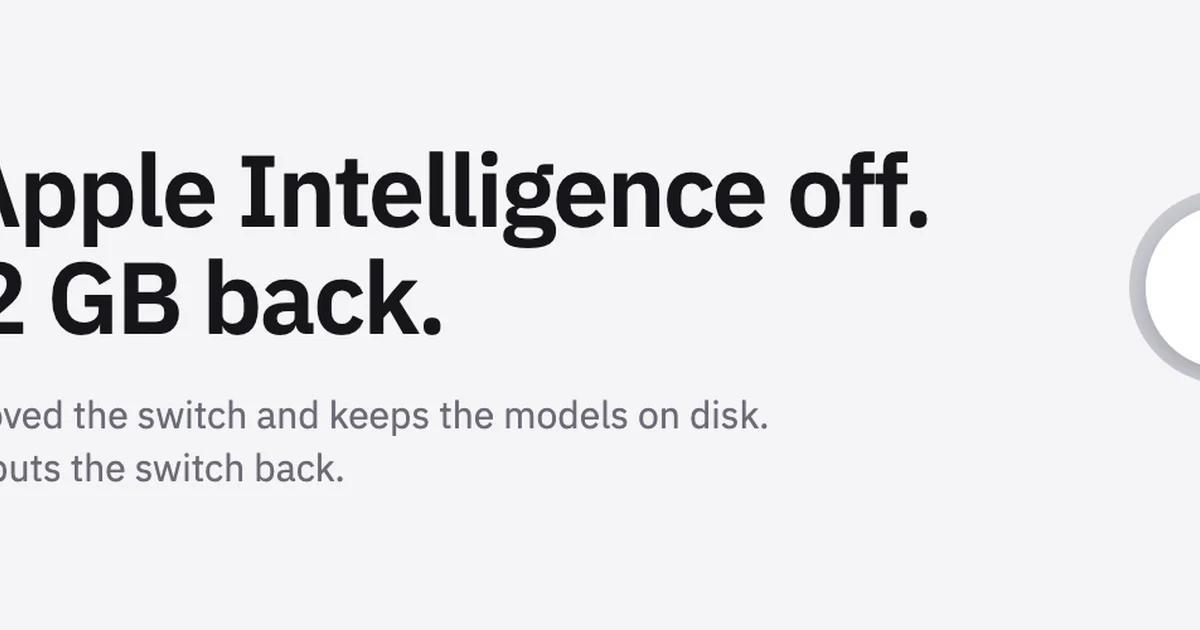
In the second stage, the tool deletes the AI models themselves from the disk. In the third stage, it stops macOS from re-downloading the deleted models — the system will not reinstall them even in future updates. According to the developer, all changes are fully reversible: disabled features can be restored at any time, and no permanent damage is done to the system. This makes trying the tool safe — users can return everything to its original state whenever they wish.
The utility runs through a command-line interface — it has no graphical window and is controlled with text commands in the terminal. This makes it most convenient for experienced users and those who want to configure the system deeply. At the same time, the open-source nature of the tool makes it visible what it does at each step.
Why Such a Tool Was Needed
Unlike previous macOS versions, macOS 27 has no dedicated toggle for turning off Apple Intelligence. As a result, disabling AI features has become harder, and the models occupy disk space even when unused.
"Unlike previous macOS versions, macOS 27 Golden Gate has no built-in toggle for turning off Apple Intelligence, which makes disabling AI features harder and leaves the AI models occupying disk space even when unused." — Ars Technica
According to The Verge, Apple Intelligence models take up about 12 GB, and depending on the set of installed components, the total can exceed 30 GB. For Macs with limited storage, this is a significant amount. And for those who never use the AI features at all, dozens of freed-up gigabytes on the disk matter a great deal — that space can hold documents, projects, or other apps.
The 12 GB to 30 GB range depends on the installed components. For example, the image-generation and Genmoji models take up space separately — on Macs where these features are enabled, the total is higher.
The problem is that the models stay in the system even after the features are disabled. Even if a user turns off individual capabilities in Settings, their models are not automatically removed from the disk. RemoveMacAI fills exactly this gap: it not only disables the features but also cleans up the models and blocks them from being re-downloaded.
Open Source and Independent Project
The source code of RemoveMacAI is published openly on GitHub — anyone can review it and verify it independently. The tool is distributed for free and evolves as an open-source project. The developer separately emphasized the full reversibility of the changes: disabled features can be re-enabled later.
It is worth remembering: RemoveMacAI is not an official Apple solution but a third-party tool created by an independent developer on GitHub. Its author goes by the name Om Lahore.
Being built by an independent developer lets the tool evolve quickly: users can report bugs and suggest improvements via GitHub. At the same time, the lack of official support is also a consequence of this independence.
Who It Is For
The tool is aimed first of all at Mac owners with limited disk storage — 12 to 30 GB of freed-up space is a significant gain for them. The second group is people who do not use AI features at all: they do not need the models sitting in the background. The third group is those who prefer open-source solutions and want full control over their system. For them, the tool's open code and reversibility are the main advantages. The tool will also appeal to those who want to save system resources: storing the models on disk costs not only space but also time and internet traffic for re-downloading them during updates.